





















Download Nspire CX Premium Teacher Software for Mac
- When your download is finished, double-click the .DMG file “TINspireCXPremiumTeacherSoftware” in your downloads folder. This is the setup file for TI-Nspire™ CX Premium Teacher Software.
- Next, Double-click on the .pkg file
- If you get an error message while installing TI-Inspire™ Premium teacher software that “Apple Cannot check it for malicious software”.
- Follow the below steps: – On the installation folder (in Step-1):
- First select the installation file for TI-Inspire™ Premium teacher software While selecting Hold down the Control Button and click the right button on keypad or mouse.
- Second select the option Open With à Default Installer (First option)
- Finally a window will popup where you can see two options just click Open
- Now a new window will Pop-Up. Click “Continue.”Step 3
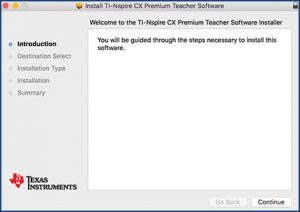
Step 4
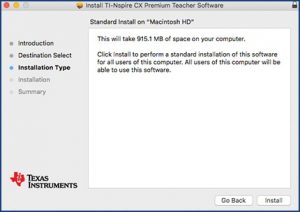
Then click “Install.”
After Installation Complete a message will come up:
Step 5
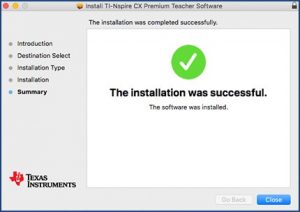
Finally, click “Close.”